


There are times when you cannot distinguish whether it is a new feature on Instagram or simply a glitch or bug!
If you feel the same about the Instagram story circle size recently, do not miss this section! Have you ever noticed that Instagram story circles are more significant than before? Absolutely not; you won’t be able to see it.
Unfortunately, changes in social media apps are sometimes well received, especially when the change is a glitch; maybe the Instagram company wants to test out the new design, or it’s for easier interaction with your followers.
Update : Instagram has a new feature for users, but in a recent update, it has increased the size of the story circle for some users. Anyway, we are here to help answer your question: why is my Instagram story circle so big ?
Read the following paragraph to find the answer.
Why Are My Instagram Story Circles So Big?
As a result, a number of Instagram users are concerned about this feature. The meta company, as you know, is the company behind Instagram and has not published any announcement about this feature, so many users suspect that it’s because of the Instagram app bug.
However, this issue is present for many users, and Instagram has yet to address this problem or share any announcements with users as they are working on a solution.
It is a new feature that most users disapprove of. What do you think about these changes?
Let’s make it clear:
Instagram story circles come in the same size as the story itself, and they have not been changed!
What Is Instagram Story Circles Size?
Instagram Story Circles, which we also know as profile picture rings in Stories, do not have a specific pixel size defined by Instagram.
However, due to the recent glitch many users are experiencing, the circles might appear much more significant than usual and overlap with your Story content.
Typically, these circles are designed to be proportional to the screen size and shouldn’t obstruct your Story content. So, there is no worry about them.
Here’s what we know about Instagram Story size :
1. Aspect ratio: Standard Instagram Stories use a 9:16 aspect ratio, which means they’re taller than they are wide.
2. Recommended dimensions: While there’s no set size, Instagram recommends using dimensions like 720 x 1280 pixels (standard 720p video format) or 1080 x 1920 pixels (HD 1080p video format) to make sure that your shared content is of optimal quality.
If you’re experiencing a significant circle glitch, there’s no official fix yet. But hopefully, it’s a temporary issue that Meta will address soon by releasing new updates.
Do you accept the new Instagram updates ?
Unfortunately, some changes can break an app, but there is a fact! The loyal users never leave just because the story circle suddenly gets bigger!
Instead, they do exactly what they’re doing. First, they complain, then slowly get used to it until they forget these changes.
Now that we have solved the big circle around Instagram story profile pictures, we are adding some story hacks for you to make your stories more attractive.
In the following Paragraph, you can find these hidden hacks about Instagram stories.
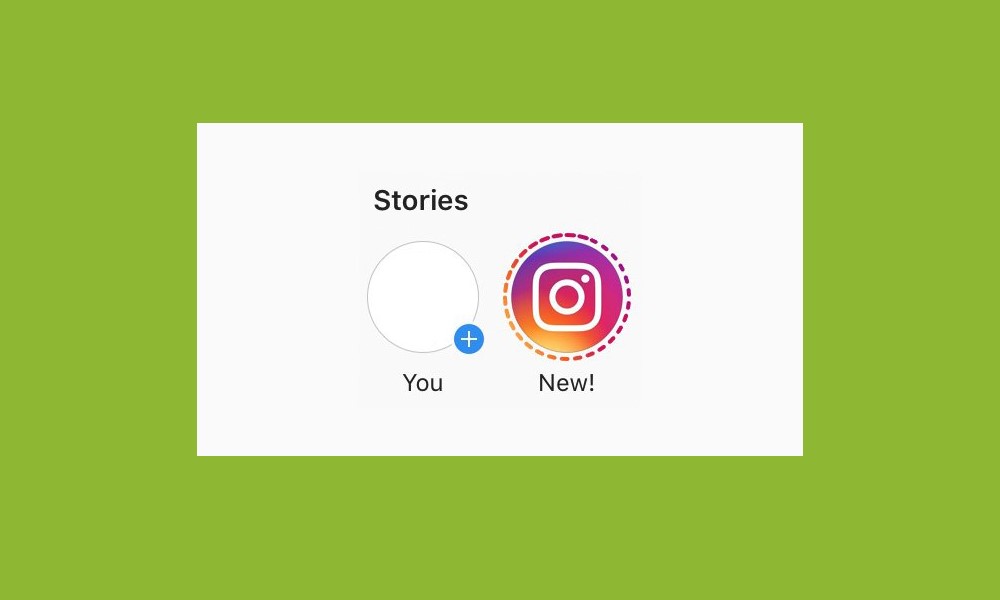
Instagram Story Hacks
Have you ever tried to find out how many people use Instagram? 500 million! In 2023, you will find more features for business and Instagram than before. Here, we want to show you general Instagram story hacks. Are you ready?
Fill The Background with A Solid Color
Some Instagram users are not happy with the default gradient background so that you can change it with your favorite color.
1. Tapped with a Draw Icon
2. Select your favorite color
3. Press your finger for the first two or three seconds, and the screen
Uncover Even More Colors !
Sometimes, you don’t like the default color, and Instagram doesn’t worry; you can change it.
1. Select brush tools and Instagram story
2. Hold the default color circles to open a color slider
3. Explore The Slider to find your favorite color
Use A Green Screen
Green screen is a popular feature and Instagram story. You can use it anywhere and everywhere. This is one of the unique features, or it’s better to say a fantastic Instagram filter. Have you ever tried it?
1. Scroll right through the filters.
2. Search Green and select
3. Tap to add a picture or make a video.
Create A “Revealing” Story Series
With an eraser tool, you can find a mysterious picture. I hope you’ll do it perfectly.
1. First, add an image
2. Fill the screen with color (tap the Draw Icon, choose your favorite color, and second your finger on a screen)
3. Select eraser tool
4. Uncover some parts of the image
5. Save it and share
Now, let us show you the Instagram story formats
What Formats Can I Share on Instagram Stories?
You can manage your Instagram story if you understand precisely what formats are available.
•Standard format : Take a picture or video or use Media from your gallery and share it.
•Live : This feature is a viral Instagram live story that lets you broadcast in a second flat.
•Hands-free : You can make videos without holding the record button.
•Boomerang : The last one is the unique setting option for a story. This feature allows the user to capture video for a second.

To Sum It Up in Brief
If you ask, why is the circle around my Instagram story profile picture so big?
We answer: Do not make such a big deal! Just wait for the updates or take no action until the bug or the glitch is gone!
In conclusion, Instagram stories are an essential part of each Instagram account user’s experience. But you know, with each update, you face new features on Instagram, and you have to accept them, like the size of Instagram story circles.
Sometimes, some of them are permanent or just used for testing. So, if you’re not happy with a new change, you have to Express your disappointment. Be brave and Express your ideas about the social media app’s latest features.
Please share your thoughts on the “Why Are My Instagram Story Circles So Big?” article in the comments below and make a conversation with fellow Instagram users.