
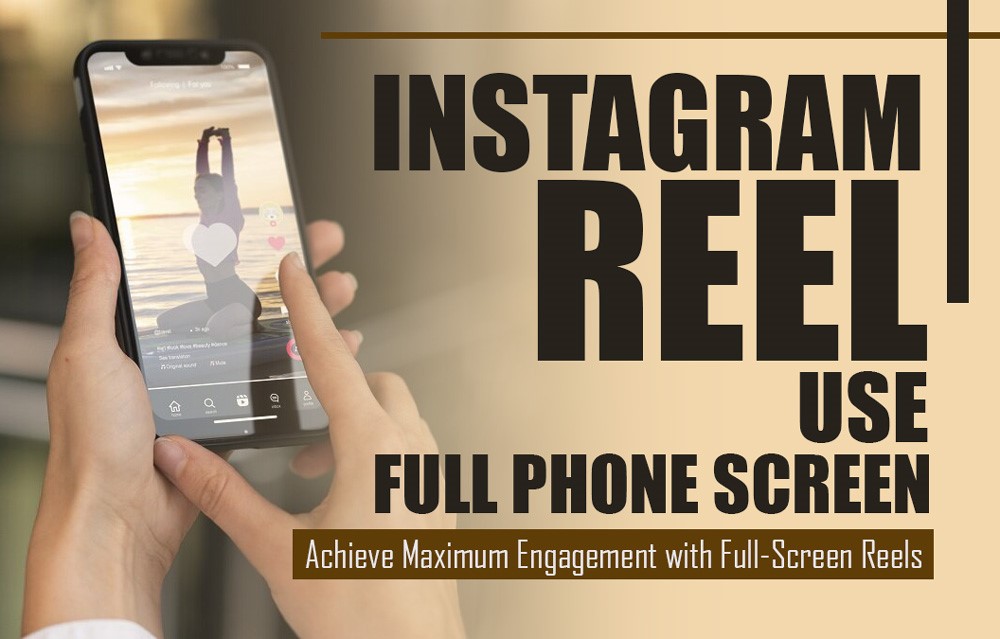

Want your Instagram Reels to use the full phone screen and maximize your content’s impact?!
Your Reels will be more visually appealing and up to 50% more engaging in the full-screen mode. Use every inch of the screen to your advantage to make your information pop and hold their attention for longer.
Instagram Reel Use Full Phone Screen! (Achieve Maximum Engagement with Full-Screen Reels)
Here, you’ll learn the ins and outs of making full-screen Instagram Reels that follow industry standards to boost your exposure and interaction.
Let’s go into the process of using full-screen Reels to make your content stand out!
Understanding the Full-Screen Ratio for Instagram Reels
Using the proper ratio will guarantee that your Instagram Reels seem flawless when viewed on full screen. Since most smartphones have a full-screen display, 9:16 is the sweet spot for Reels’ aspect ratio.
Your Instagram Reel videos will seem professional and uninterrupted as they will fill the screen vertically in this format. By following this ratio, you can make the most of your phone’s screen real estate, resulting in more engaging and visually appealing Reels.
How to Make Instagram Reels Full-Screen?
Here are some easy procedures to follow in order to build Instagram Reels that make use of the whole screen of your phone:

1. Start with the Right Aspect Ratio
It would help if you started by adjusting your video’s aspect ratio to 9:16, the default for Instagram Reels. With this aspect ratio, your content will seem better, as Instagram Reel uses a full phone screen.
Use Instagram’s native camera app and choose the Reels option to set the correct aspect ratio automatically. If you’re using an external video editor like Adobe Premiere Pro or Final Cut Pro, set the canvas size to 1080 x 1920 pixels.
Before you start recording, make sure that your frame fully encompasses all of the crucial visual components.
2. Adjust Your Content for Full-Screen View
When your Reel is shown in full-screen mode, make sure that your subject and other essential components are viewable inside the 9:16 frame. If you want to include text or interactive features like stickers or calls to action, be sure to leave extra room at the top and bottom.
If you’re recording a dance or tutorial video, position the person or object in the center, with enough headroom and space around the sides to avoid the edges being cropped.
As a helpful hint, while you are recording on Instagram, make use of the “Guidelines” feature to assist you in positioning text and graphics in regions that the interface will not cut off.
3. Use the Full-Screen Preview Option
Viewing your Instagram Reel in full-screen mode will let you ensure that it has a captivating appearance before you send it out. At this point, you are able to see the output of the video and make any necessary modifications.
After recording your Reel, click on the “Preview” button in Instagram’s Reel editor to check if the video fills the screen correctly. Make sure that text, captions, or effects are not getting cropped out.
To ensure that everything is visible and readable, it is recommended that you see your preview both with and without the introduction of text overlays.
4. Optimize for Different Devices
Screen sizes can differ despite the fact that the 9:16 ratio is accepted everywhere. It is recommended that you test your Instagram Reel on a variety of devices, if at all feasible, to ensure that it appears well on both bigger and smaller displays.
Create test Reels and view them on different devices like an iPhone, an Android phone, and even a tablet to confirm that your content appears as intended.
As a helpful signal, you can change the size of your text or objects if they seem too little on more extensive displays. Also, keep in mind that objects placed excessively near the borders will be cropped on devices with smaller displays.
5. Use High-Quality Video and Audio
Having high-quality images and audio gives your full-screen Instagram reel an appearance that is both professional and interesting. If you want to avoid having your film seem pixelated or unclear when watched on the full screen, you should avoid utilizing low-resolution footage.
Record videos in at least 1080p resolution and use a high-quality microphone for audio. Check the final export quality before uploading to Instagram.
Lighting also has a significant impact on the quality of the video. In order to minimize harsh shadows and overexposure, you need to make sure that your content is well-lighted.
Why Are Full-Screen Reels Important?
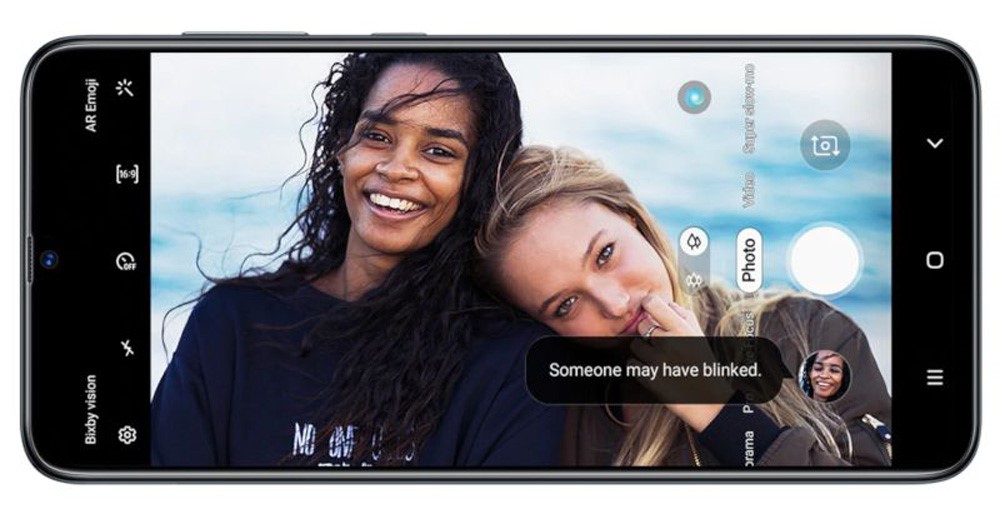
Video Reels on Instagram that aren’t full screen or have black borders fail to hold viewers’ attention as much as those that are. They have a higher chance of boosting interaction, viewing duration, and maybe even account following.
By using full-screen Instagram Reels, you can unleash your imagination and include captivating animations, vivid graphics, and attention-grabbing text into your Reels without sacrificing any real estate.
Using the correct Instagram Reel to use a full phone screen, like 9:16, allows your content to utilize every pixel of your viewers’ screens, making your videos more engaging.
Studies show that full-screen content can boost user engagement by up to 20%, making it a crucial element for creators who want to stand out.
What Are the Best Practices for Full-Screen Reels on Instagram?
Take into consideration the following recommended practices in order to properly master the art of generating full-screen Reels:
✔ Make Use of Top-Notch Images
Full-screen displays of Instagram bring out the best in high-resolution movies. It would help if you stayed away from utilizing video of poor quality since it could seem pixelated when stretched.
✔ Bring in Movement and Changes
To hold the attention of your audience, make use of fluid transitions and motion graphics. You have more excellent room to display such effects in Instagram Reel using a full phone screen.
✔ Be Careful When Adding Text and Graphics
Make sure that Instagram’s interface, such as the like button or profile name, won’t cover up your text or visuals.
✔ Incorporate Audio Elements and Music
Enhance the viewing experience and make your full-screen Reels even more appealing by adding music that matches your visual content.
Conclusion: Create Stunning Full-Screen Reels for Maximum Engagement
The Instagram Reels feature is revolutionary when used in full-screen mode. It increases the visibility of your content, which in turn attracts more people and keeps them interested for longer.
Try various designs and content types to make your Reels even more fascinating now that you know how to use the whole screen area!
Get ready to take your Instagram to the next level! See a dramatic increase in engagement by starting to create breathtaking, full-screen Reels right now! Keep in mind that you have an ample amount of screen real estate to work with.
Keep trying out various Instagram Reels using complete phone screen formats, and stay tuned for additional tips and techniques on how to conquer Instagram Reels. We believe in you!